25% OFF BLACK FRIDAY SALE
Ad Copy
Struggling with eye strain, poor sleep, and end-of-day headaches? We can fix that. 😌 Our blue light blocking glasses filter the light that's quietly working against you, so screen-heavy days feel easier and nights wind down the way they should. ✔️ Less eye fatigue & fewer headaches ✔️ Reduced digital eye strain ✔️ Improved sleep quality ✔️ Expertly crafted in an optics lab ✔️ Available in Non-Prescription, Prescription & Readers Nothing about your evening has to change. Your sleep does. Shop the Black Friday 25% off sale now ↓
Call to action
More from BlockBlueLight
Our premium 𝗕𝗹𝘂𝗲 𝗟𝗶𝗴𝗵𝘁 𝗕𝗹𝗼𝗰𝗸𝗶𝗻𝗴 𝗟𝗶𝗴𝗵𝘁𝗶𝗻𝗴 solutions are an investment in your health, not just a purchase. 🌟 The Benefits: ☑️ Protect your eyes from harmful blue light. ☑️ Experience deeper, more restorative sleep. ☑️ Boost your daily energy levels & focus. ☑️ Achieve optimal melatonin production for a natural sleep-wake cycle. 𝗕𝗮𝗰𝗸𝗲𝗱 𝗯𝘆 𝘀𝗰𝗶𝗲𝗻𝗰𝗲 𝗮𝗻𝗱 𝗺𝗲𝘁𝗶𝗰𝘂𝗹𝗼𝘂𝘀𝗹𝘆 𝘁𝗲𝘀𝘁𝗲𝗱, our lighting solutions go beyond basic—they’re designed to help you 𝘀𝗹𝗲𝗲𝗽 𝗯𝗲𝘁𝘁𝗲𝗿 𝗮𝗻𝗱 𝗳𝗲𝗲𝗹 𝗯𝗲𝘁𝘁𝗲𝗿 every night. Experience the difference today!
BlockBlueLight
0 reach•Nov 18
SAVE 25% ON GLASSES
BlockBlueLight
0 reach•Nov 18
Less strain, fewer headaches, better sleep
BlockBlueLight
0 reach•Nov 18
25% OFF BLACK FRIDAY SALE
BlockBlueLight
0 reach•Nov 18
Improve your Health and Wellbeing with BlockBlueLight
BlockBlueLight
0 reach•Nov 18
Better Sleep Starts With Your Eyes
BlockBlueLight
0 reach•Nov 18
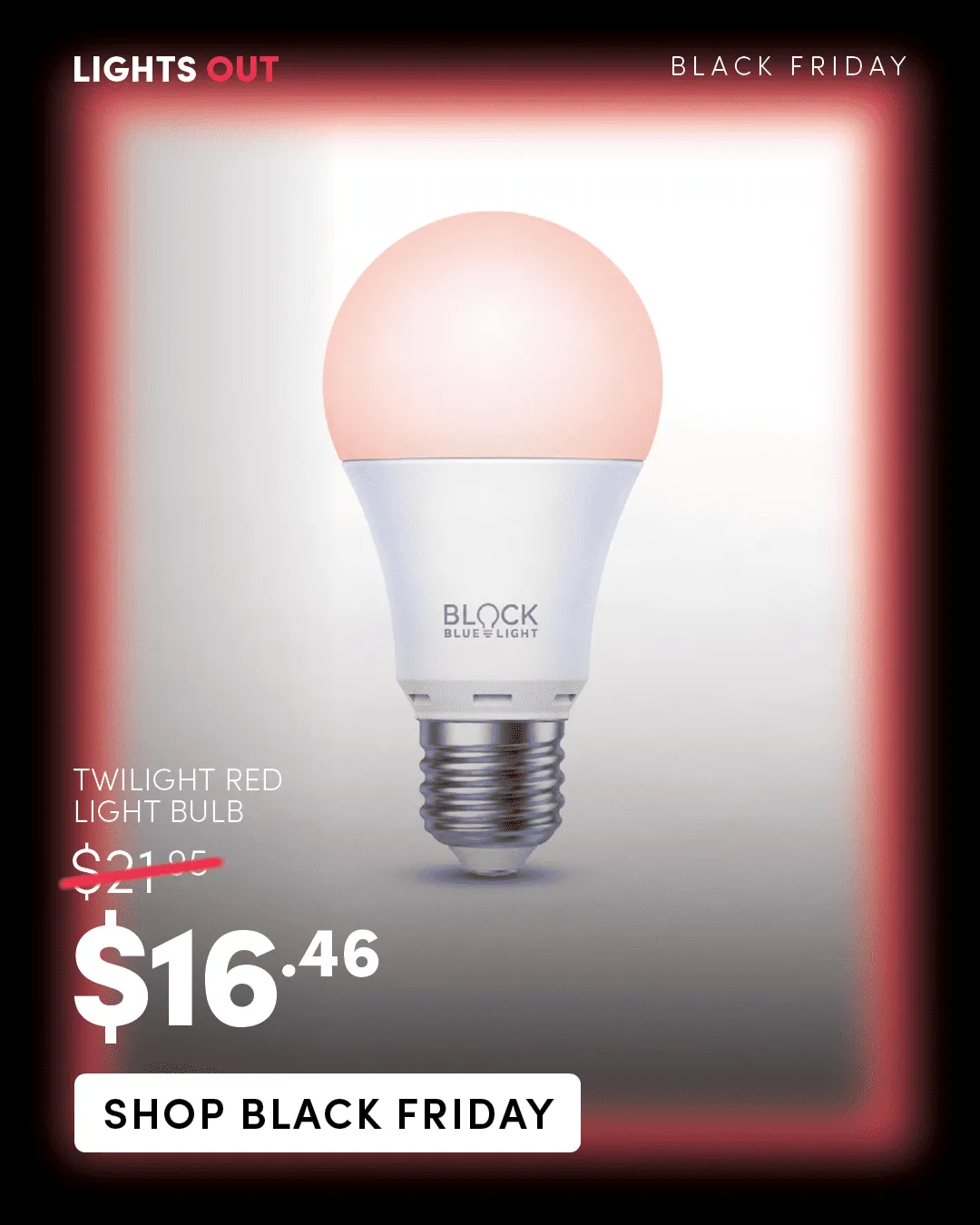
SAVE 25% ON LIGHTING
BlockBlueLight
0 reach•Nov 18
SAVE 25% ON GLASSES
BlockBlueLight
0 reach•Nov 18
Your lighting might be affecting your sleep more than you realise. 💡🌙 Our bodies have an internal 24-hour clock called the circadian rhythm, which helps regulate our sleep-wake cycle and is influenced by the light we’re exposed to throughout the day. ☀️ During the day: Natural daylight helps regulate your circadian rhythm and supports a healthy sleep-wake cycle. 🌙 At night: Bright, blue-enriched light can interfere with your body’s natural melatonin production, making it harder to wind down for sleep. This is why I’ve been learning more about BlockBlueLight’s Circadian Rhythm BioLights and how creating a more sleep-friendly lighting environment at home can help support our natural rhythms, especially during those evening hours when we’re trying to wind down after a busy day of motherhood. 🤍 And here’s a simple swap you can make tonight without buying anything! 👇🏼 ❤️ HOW TO TURN YOUR IPHONE SCREEN RED IN 3 CLICKS Want to switch your phone to red light mode at night without going into your settings every time? Here’s how! STEP 1: Go to Settings → Accessibility → Display & Text Size → Colour Filters. STEP 2: Turn Colour Filters ON, select Colour Tint, then adjust the Hue slider towards red and increase the Intensity until your screen looks red. STEP 3: Go back to Settings → Accessibility → Accessibility Shortcut and select Colour Filters. ✨ NOW FOR THE MAGIC! Triple-click your iPhone’s side button (the lock button) to switch red light mode on and off whenever you want! If you have multiple accessibility shortcuts enabled, a menu may appear. Select Colour Filters to activate it. 🌙 A few other habits worth trying: • Get natural sunlight in the morning. • Dim your lights as the evening approaches. • Reduce screen brightness before bed. • Create a calm, low-light environment for your nighttime routine. Red light mode can reduce some blue-light exposure, but it doesn’t eliminate all stimulating light or guarantee better sleep. Your overall lighting environment and nighttime habits matter, too.
BlockBlueLight
0 reach•Nov 18
25% OFF BLACK FRIDAY SALE
BlockBlueLight
0 reach•Nov 18
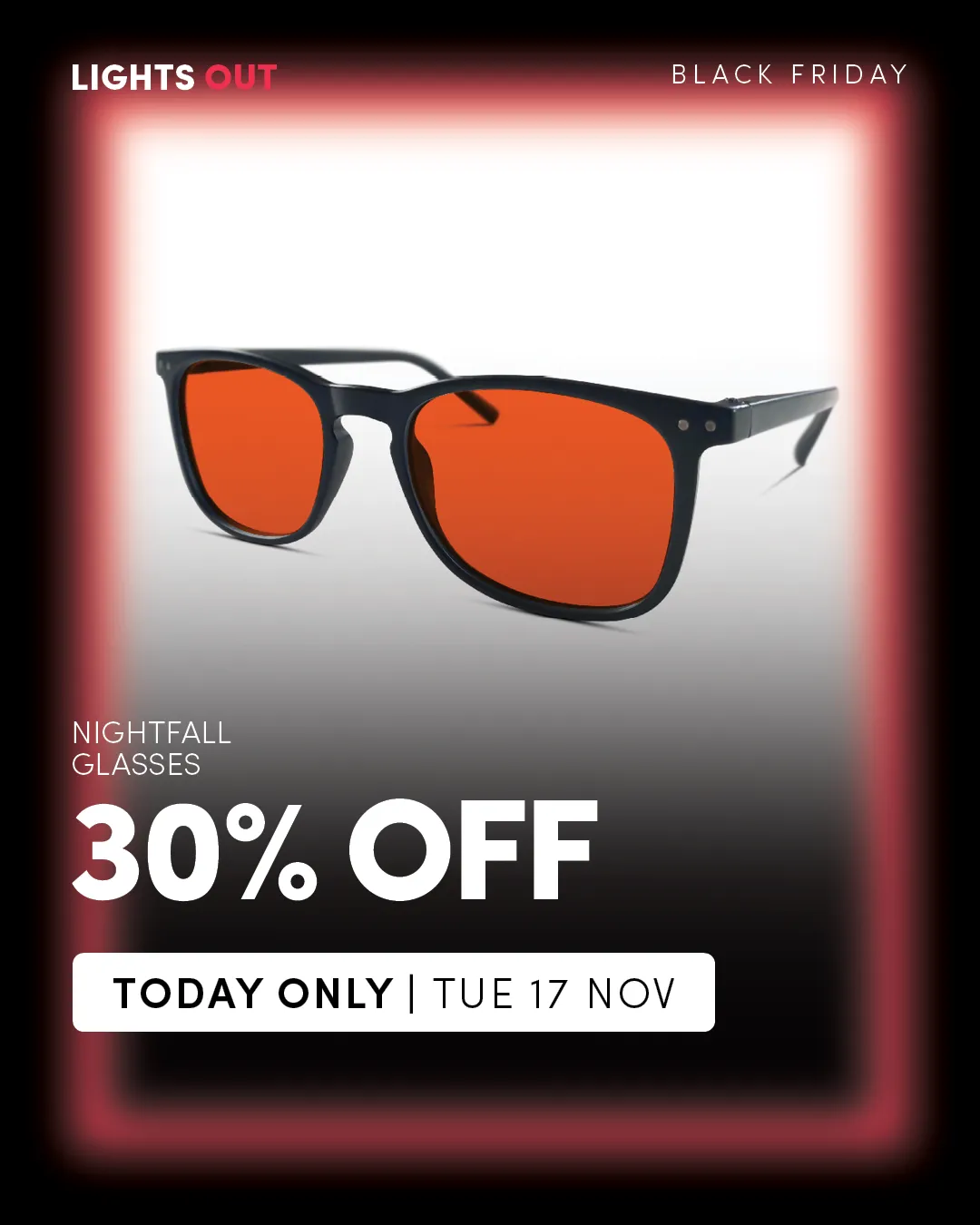
30% OFF ALL NIGHTFALL GLASSES
BlockBlueLight
0 reach•Nov 18
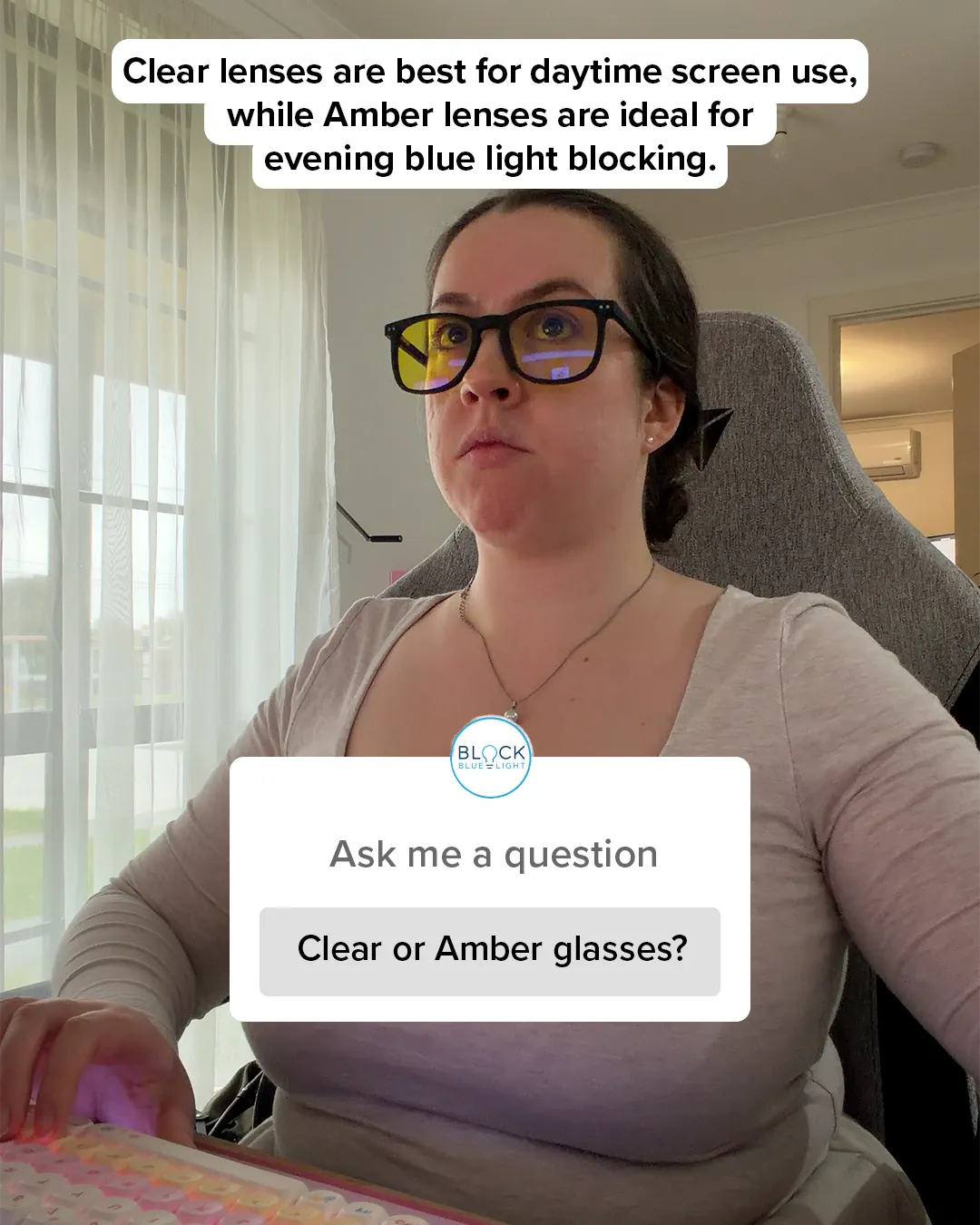
Improve your Health and Wellbeing with BlockBlueLight
BlockBlueLight
0 reach•Nov 18

 Add to Chrome