Ad Copy
If you’re still editing everything manually in 2026… you’re working too hard. I started adding Evoto into my retouching workflow and it’s been a game changer. I still use the pen + pad on photoshop for the finer details, but this software just makes life easier. Here’s exactly what I did 👇 ⚡ 1. Applied my preset first Already having pre-made settings = instant time saver. If you don’t have presets yet, you’re leaving hours on the table. 🌫 2. Added a little dehaze Pulled the slider so that red flare from the backlight POPPED. Subtle change. Big difference. 🎚 3. Tweaked HSL + added grain Mobile has full sliders just like desktop. Added slight grain + soft S-curve (not too deep). Small moves > over-editing. ✨ 4. Reduced face shine Main light was hitting the forehead a little hot. Slid the shine down. Clean. 👀 5. Softened eye bags Not removing personality — just dialing it back. Quick slider. Done. 🙂 6. Slight smile adjustment (AI is wild) You can subtly adjust expressions without making people look crazy. No “Steve Harvey” edits 😂 🍑 7. Warp tools for body adjustments Models love it. Clean + natural if you don’t overdo it. And here’s the real sauce… If you’re shooting events, you can: 📷 Tether 🎨 Create a preset on the spot ⚡ Auto-apply to similar shots 📤 Airdrop instantly 💰 Charge for instant edits That’s extra income off the same shoot. If you haven’t tried Evoto yet and want the free credits… now’s the time. Drop a “🖊️✒️🖋️” and check your DMs! Would you use AI in your workflow or you still editing everything manually? 👇
More from Evoto AI
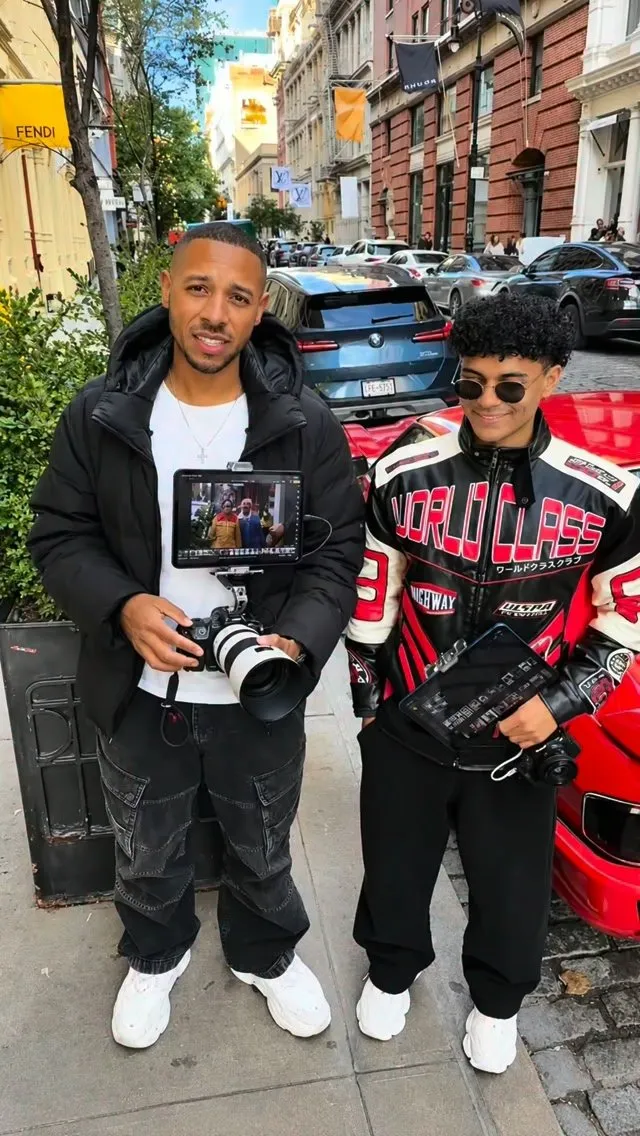
Photo Editing Challenge with Evoto iPad! 📸 We went head-to-head to see who could create the ultimate edit using Evoto iPad! Who crushed it? Vote for your favorite in the comments! 👇 💡 Want to level up your edits? Head over to the link in my bio to grab my exclusive NYC preset + special perks, or search “Evoto” in the App Store to try it out! #Evoto #PhotoEditingChallenge #Photography #StreetPhotography #NYC
Evoto AI
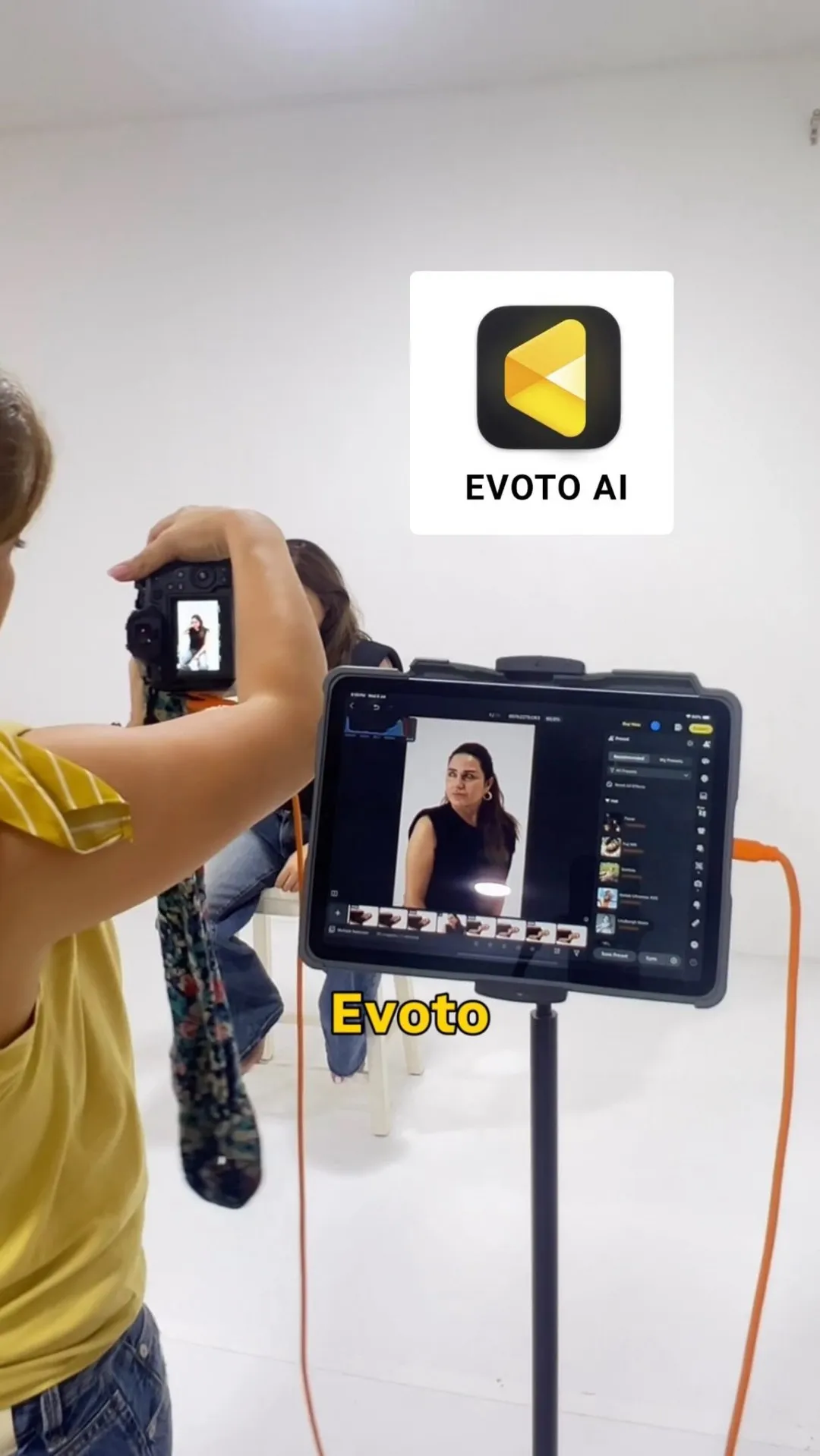
I love making my client experience a whole lot different. Clients love to see how the images look and now they can. I tether using Evoto’s app and on the spot can show them how I’m able to edit so they can see directly how their image will look like I love how this is going to change my clients experience Comment EVOTO below and I’ll send your link they currently have a SALE so it’s such a great time to get started using Evoto
Evoto AI
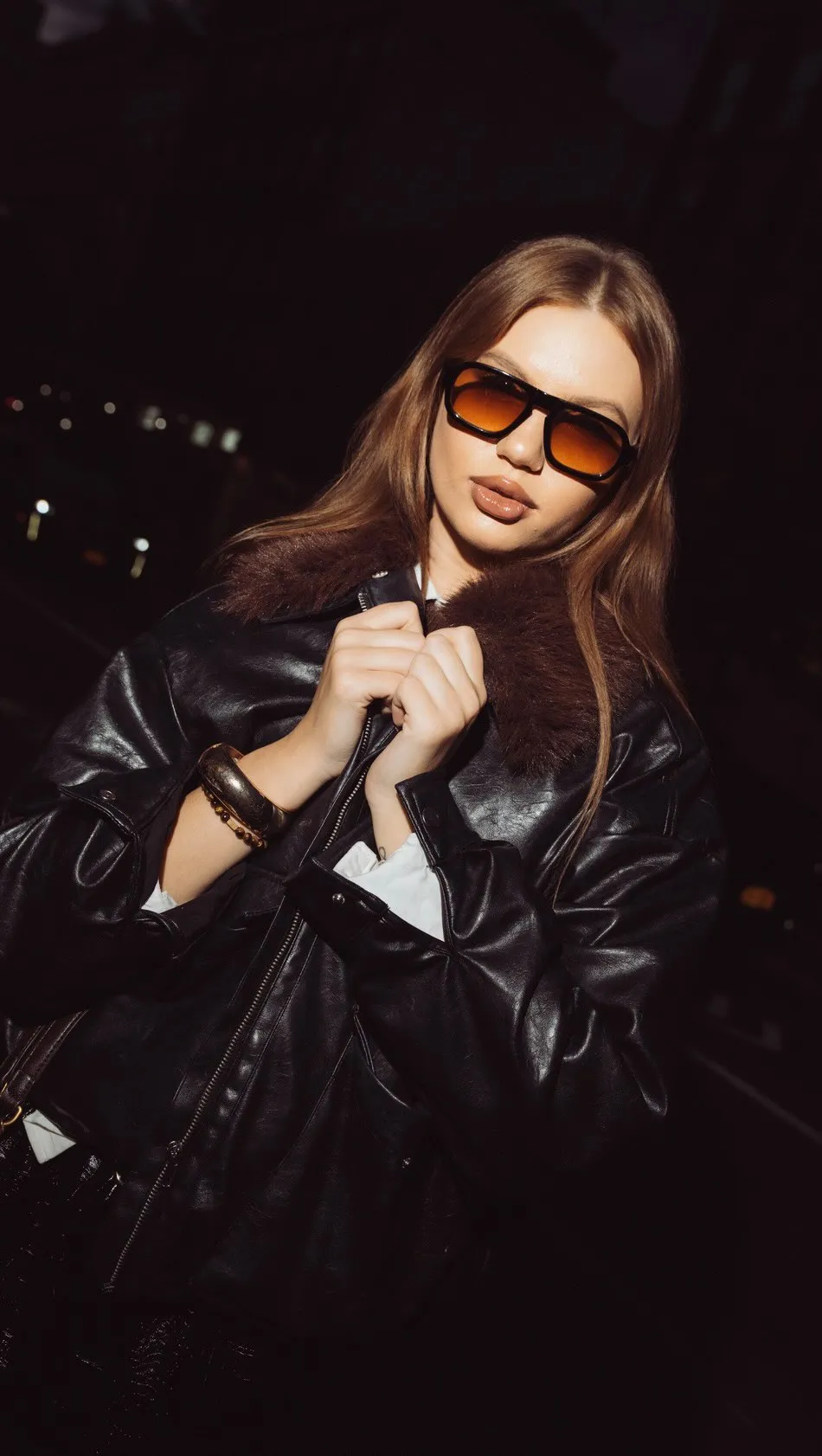
Want to level up your edits? Head over to the link in my bio to grab my exclusive NYC preset + special perks, or search “Evoto” in the App Store to try it out! 📍 SoHo, NYC Model: @vikessaa #Evoto #PhotoEditingChallenge #StreetPhotography #NYC #60SRawToDelivered
Evoto AI
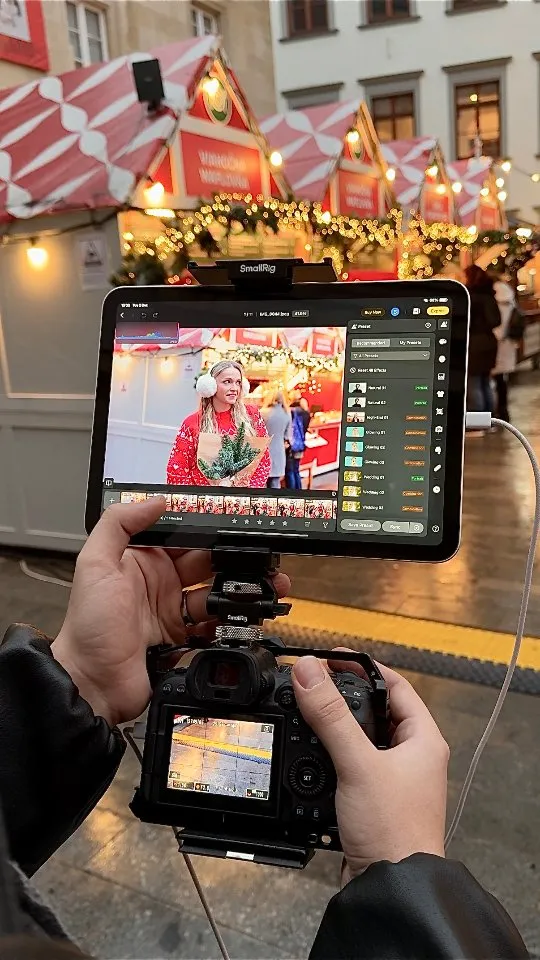
Photographers, a tiny workflow hack that saved my December 👀✨ I connect the camera → open @evotoai → do quick skin fixes + filters all while the client is still posing 👌 Clients give feedback instantly, and I finish half the edits before the session even ends 😎 Honestly feels like having a tiny retoucher living inside the iPad, and suddenly holiday season isn’t chaos anymore🎅 Have you ever tried editing live on set? Use my coupon code PSB11 to get up to 20% OFF #evotoai #photographerlife #holidayphotos #fixthephoto #behindthescenes #phototips #aiediting #aiworkflow #instantmagic
Evoto AI
Photographers, a tiny workflow hack that saved my December 👀✨ I connect the camera → open @evotoai → do quick skin fixes + filters all while the client is still posing 👌 Clients give feedback instantly, and I finish half the edits before the session even ends 😎 Honestly feels like having a tiny retoucher living inside the iPad, and suddenly holiday season isn’t chaos anymore🎅 Have you ever tried editing live on set? Use my coupon code PSB11 to get up to 20% OFF #evotoai #photographerlife #holidayphotos #fixthephoto #behindthescenes #phototips #aiediting #aiworkflow #instantmagic
Evoto AI
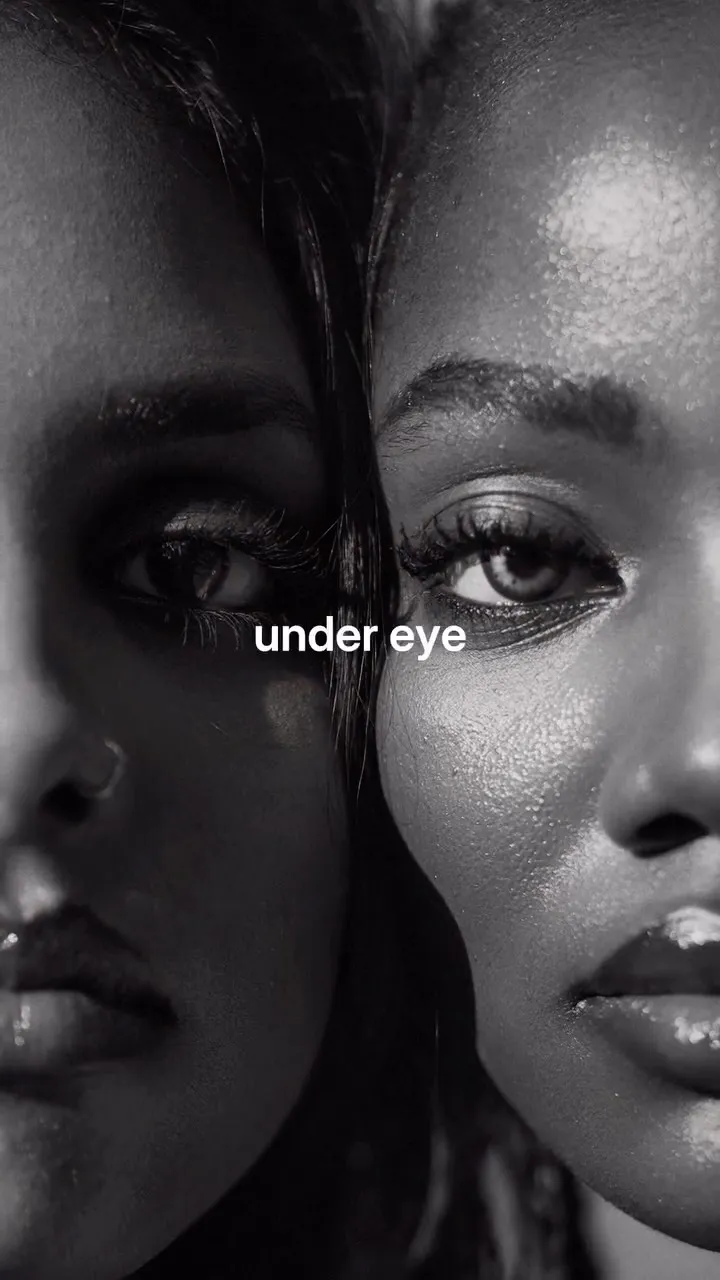
Black & white…but make it smarter. This isn’t just a filter. With Evoto’s new B&W presets, you’re getting full retouching in one tap; glasses glare gone, blemishes cleaned up, and skin that still looks real. Once you see the before and after… there’s no going back. #evoto #retouching #blackandwhite #photography #contentcreator
Evoto AI
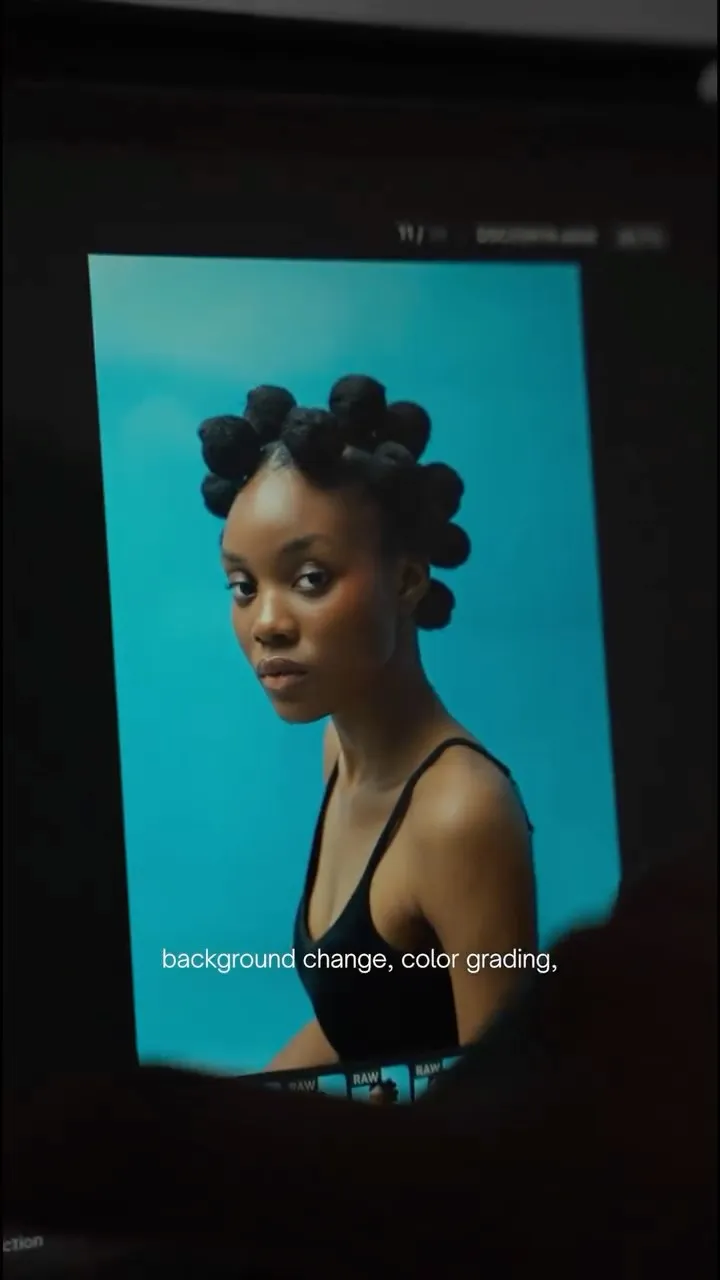
Editing used to take forever-but now my workflow is faster, smoother, and way more efficient with Evoto. From seamless tethering during shoots to quick, professional edits with just one click afterward, it helps me cut down my turnaround time without sacrificing quality. Less time waiting, less stress, and more time focused on creating images I love! Comment EVOTO and I'II send you the link + my discount code. @evotoai #evoto #ads #evotoai #paidpartnership #evotoairetoucher
Evoto AI
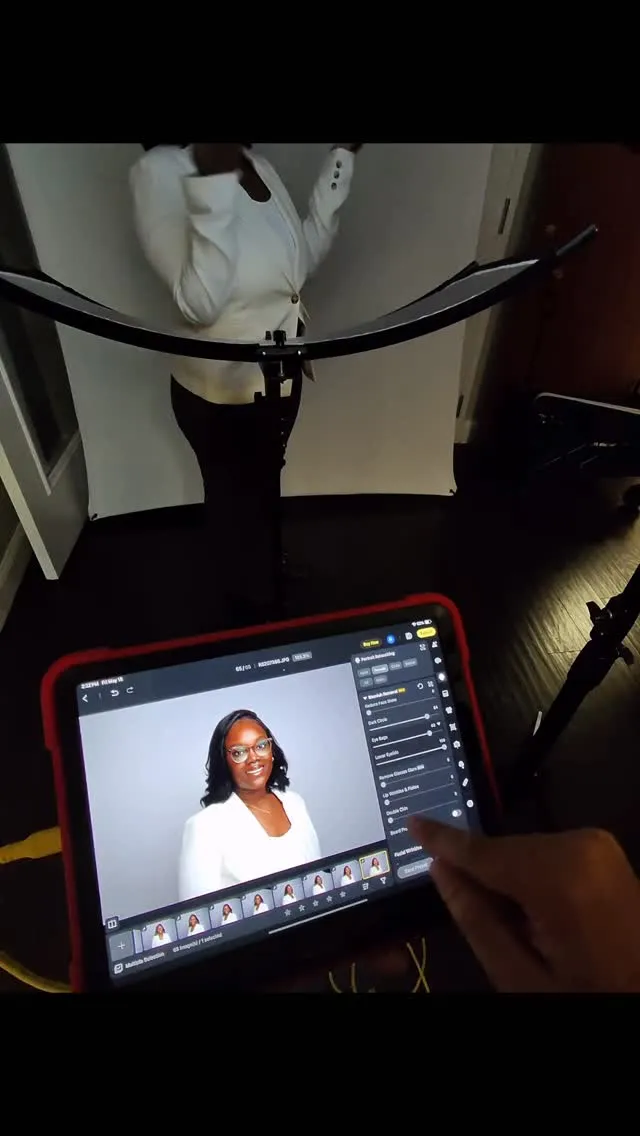
It was warm, she was nervous for her headshot photoshoot. Easy fix with the press of a button #photoedit #photoediting
Evoto AI
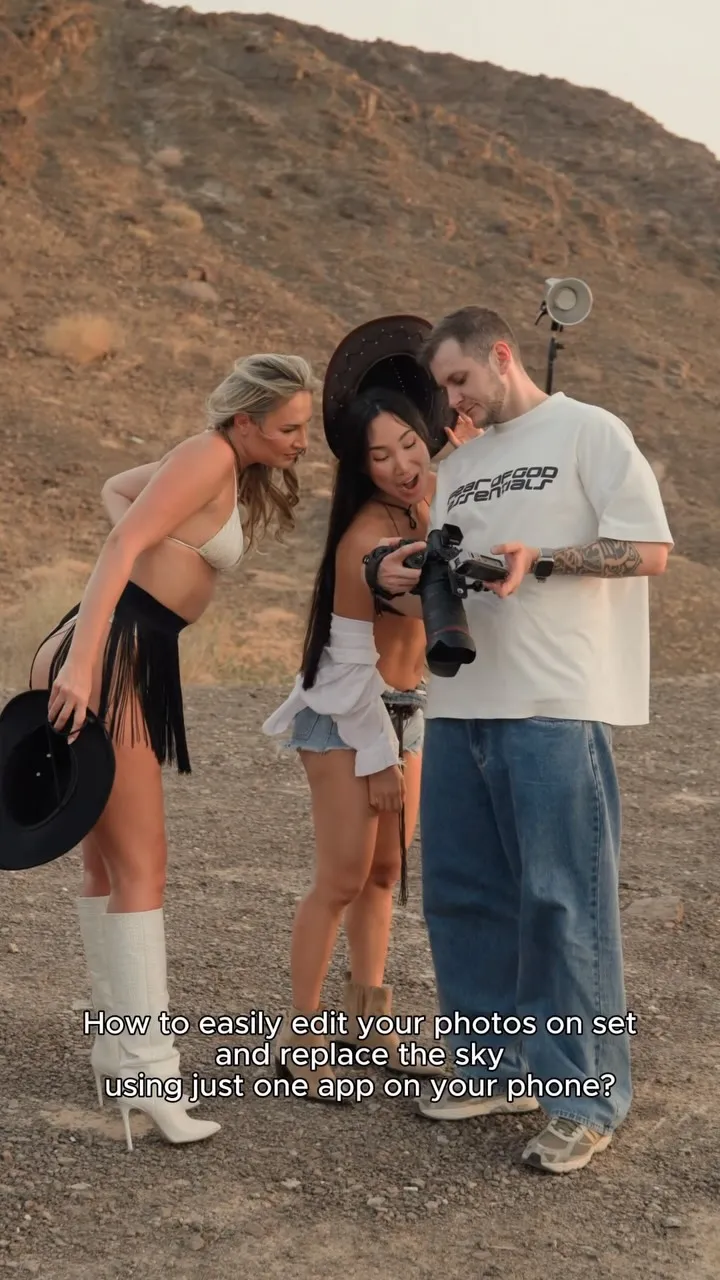
How to easily edit photos on your phone with @evotoai ?😮 Md.: @ailana_ula & @lis.dk BTS by @zhumabayev_as Link in my bio — try it for free. Promo code «Apinphoto» — up to 20% off. #evotoai #dubaiphotographers #abudhabiphotographer #apinphoto
Evoto AI
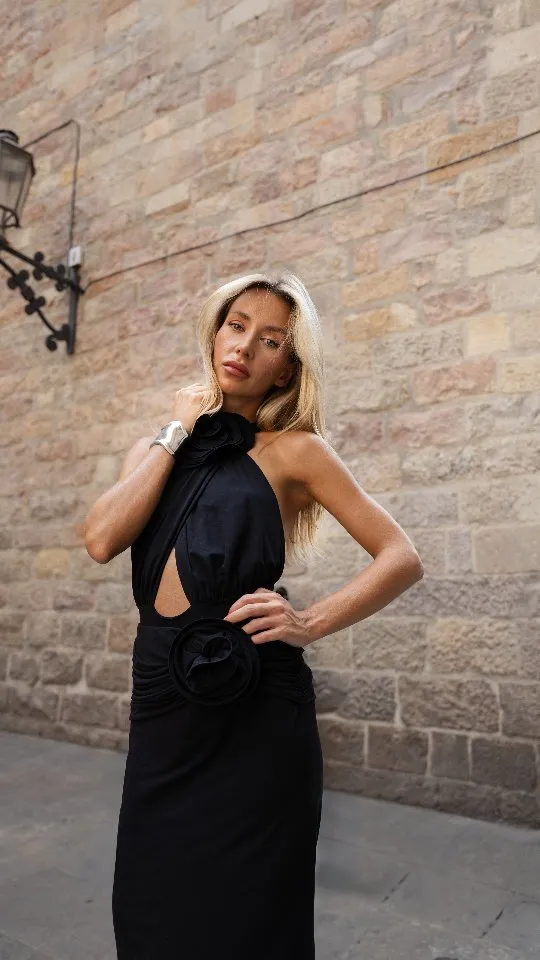
For NYFW26 Evoto is giving out free trials! All you need to do is comment "Evoto" & I'll DM you the link 📸 What you'll get for 60 days 📚 Exclusive Fashion Week presets - 500G cloud storage - Free AI Culling (Note: AI Culling will remain free even after the campaign ends) Model @tatiana.yrshk #ShotNowSeenNow, #Evoto, #NYFW26.
Evoto AI
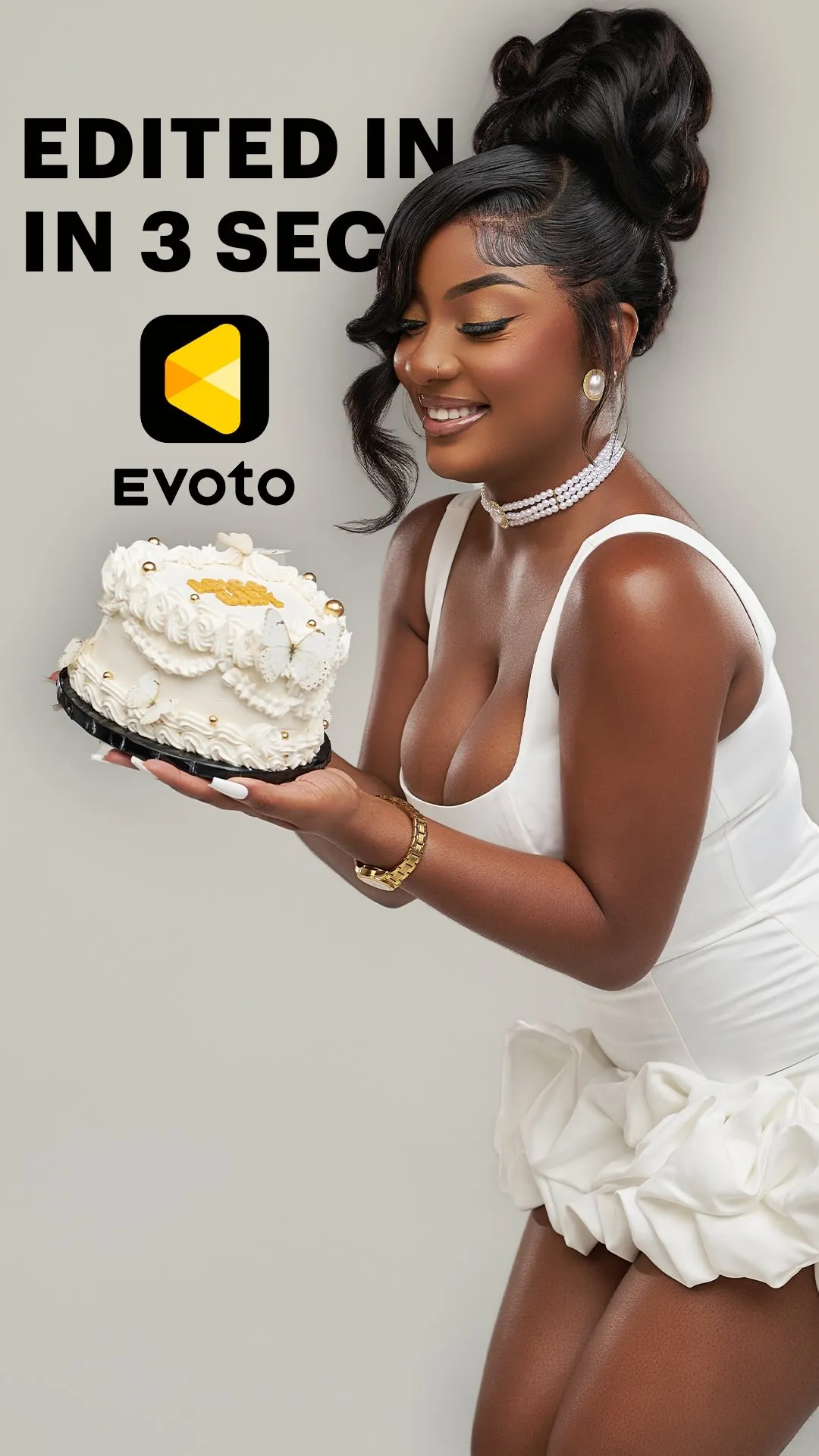
From shoot to edited photos in minutes. This is how I speed up my workflow using Evoto Mobile — tethered shooting and instant retouching right on my phone. Professional results, faster delivery. Try it free — link in bio. *sponsored content
Evoto AI
How to easily edit photos on your phone with @evotoai ?😮 Md.: @ailana_ula & @lis.dk BTS by @zhumabayev_as Link in my bio — try it for free. Promo code «Apinphoto» — up to 20% off. #evotoai #dubaiphotographers #abudhabiphotographer #apinphoto
Evoto AI

 Add to Chrome